Features and Value
AutoeBid Sourcing
Find suppliers, collect comparable offers and run competitive sourcing events. See what suppliers can deliver, at what price and on what terms before choosing who to work with.
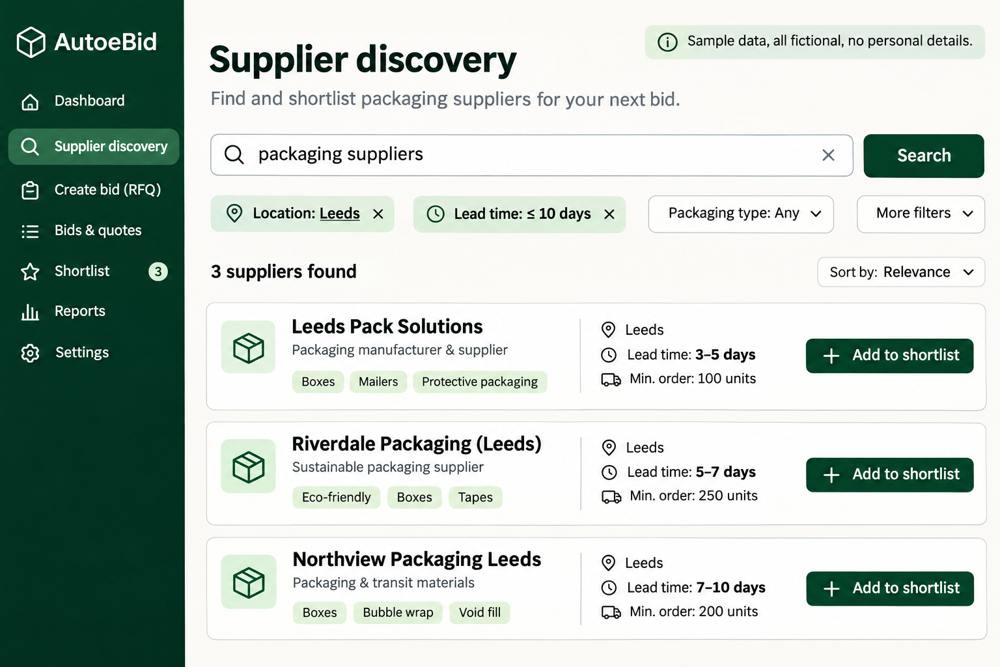
Find suitable suppliers
Build a shortlist around the specification, location and delivery requirements. Give suppliers a clear brief so they can decide whether the opportunity is right for them.
Choose the right sourcing event
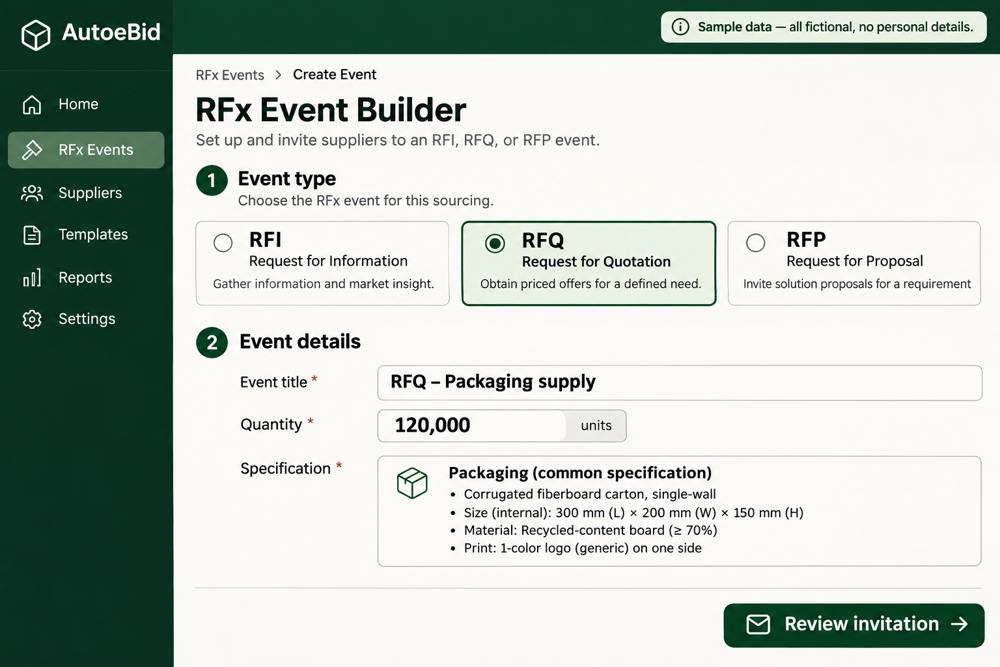
Use an RFI to understand the market, an RFQ to compare quotations or an RFP when the supplier’s approach matters. A common brief makes responses easier to assess.
Compare offers on a common basis
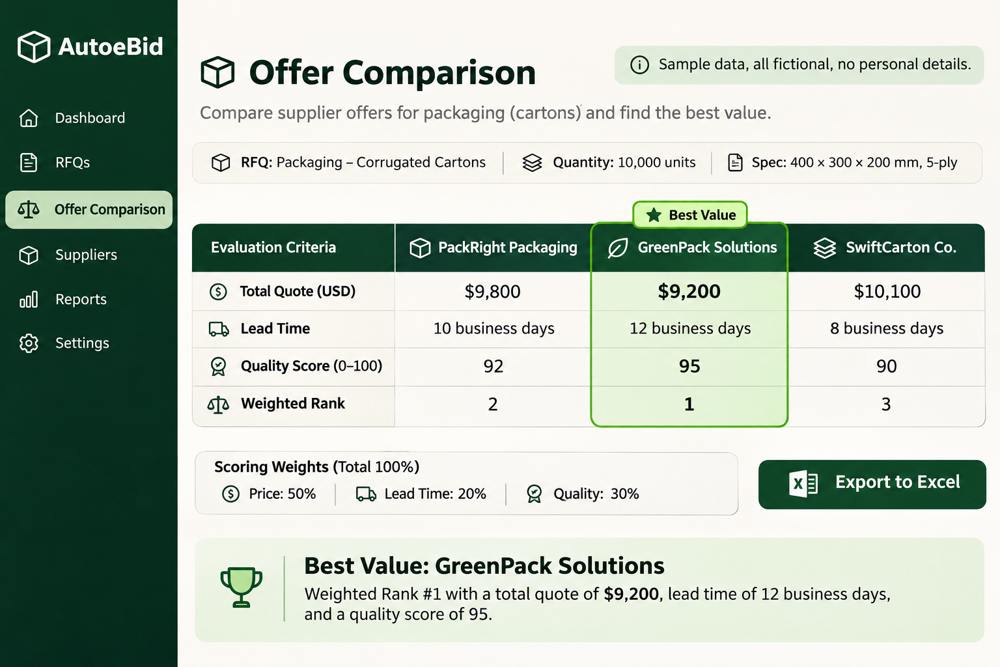
Compare prices, delivery terms and questionnaire responses. Weigh quality and service alongside price, and export to Excel for colleagues to review.
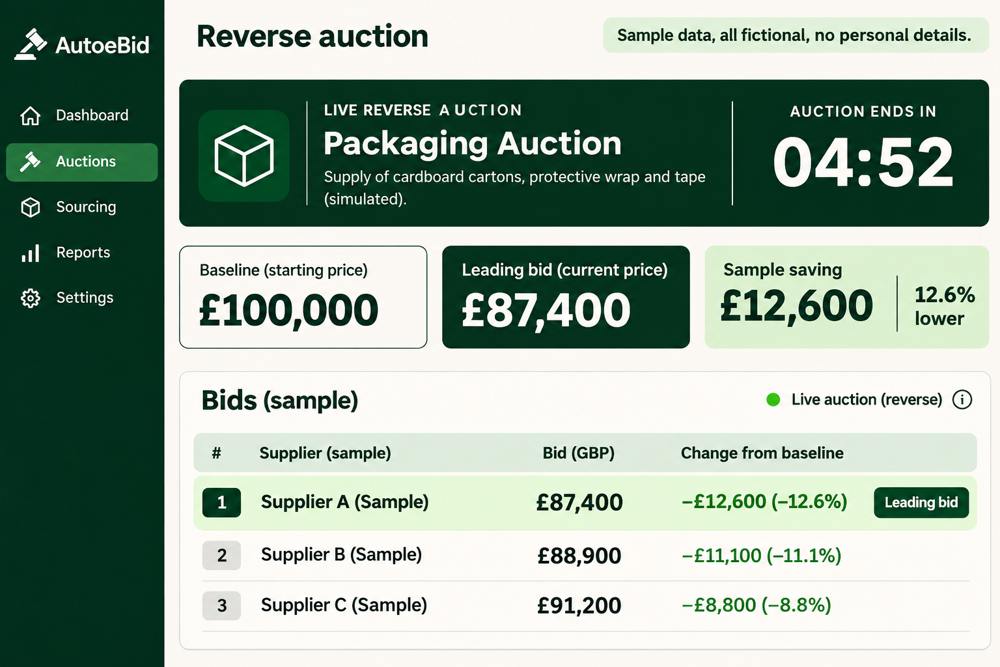
Run a reverse auction
Invite eligible suppliers to improve their offers during a timed event. Review bidding history and put the outcome in context before making an award.
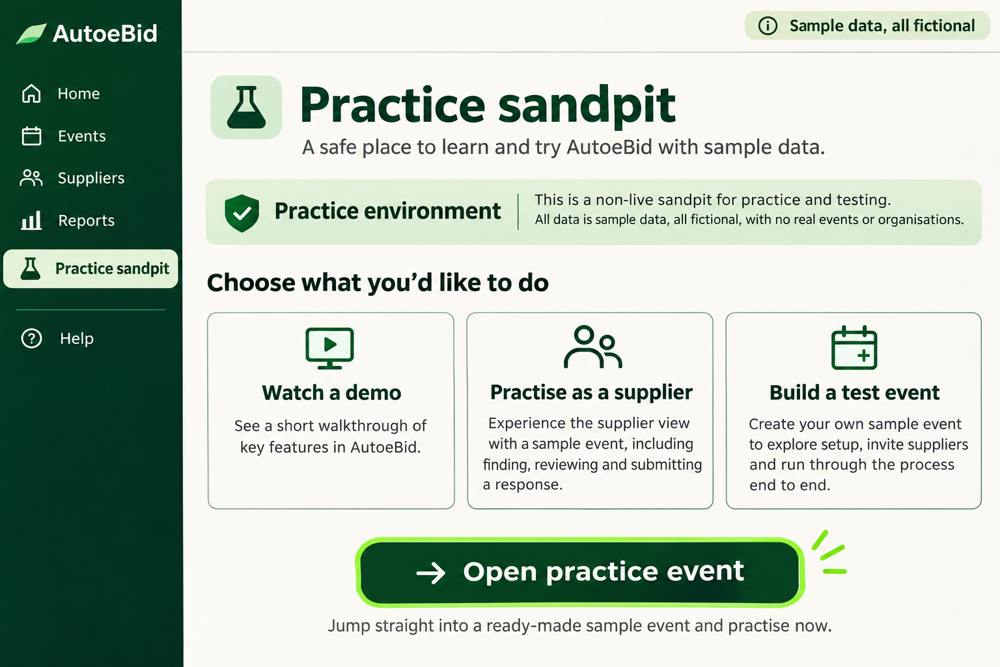
Practise before inviting real suppliers
Use a sample event to rehearse the buyer and supplier experience with your team before running a live event.
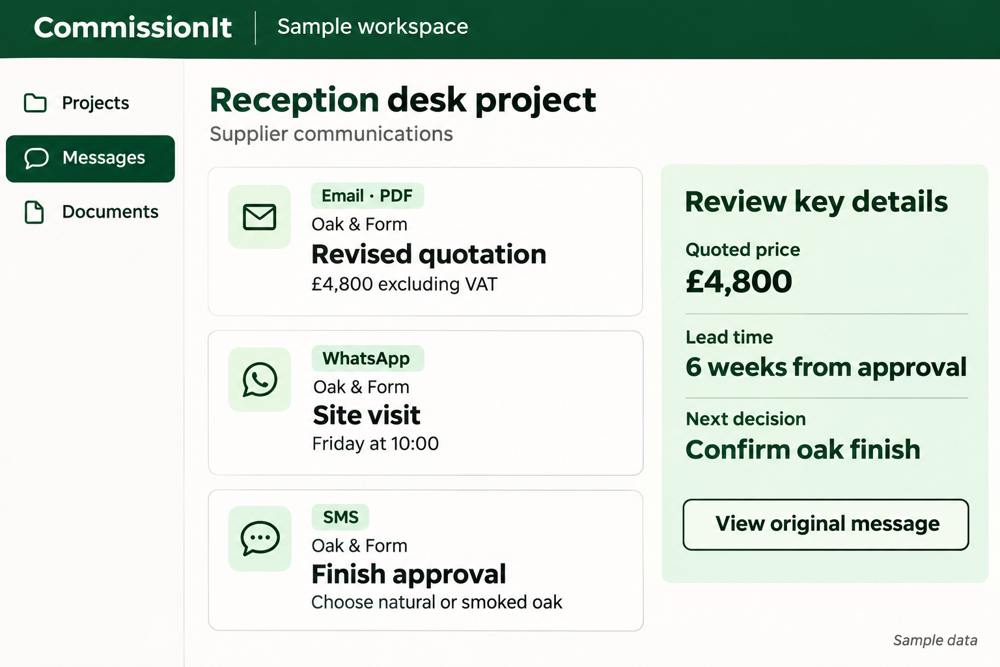
See project communications together
Product preview. See a PDF quote, a WhatsApp site visit and an SMS approval reminder alongside the price, lead time and next decision. The preview uses sample data. Live sending across all three channels still needs verification.
CommissionIt Flow
Plan the project and agree what you need before asking the market for offers. The examples below use fictional project data.
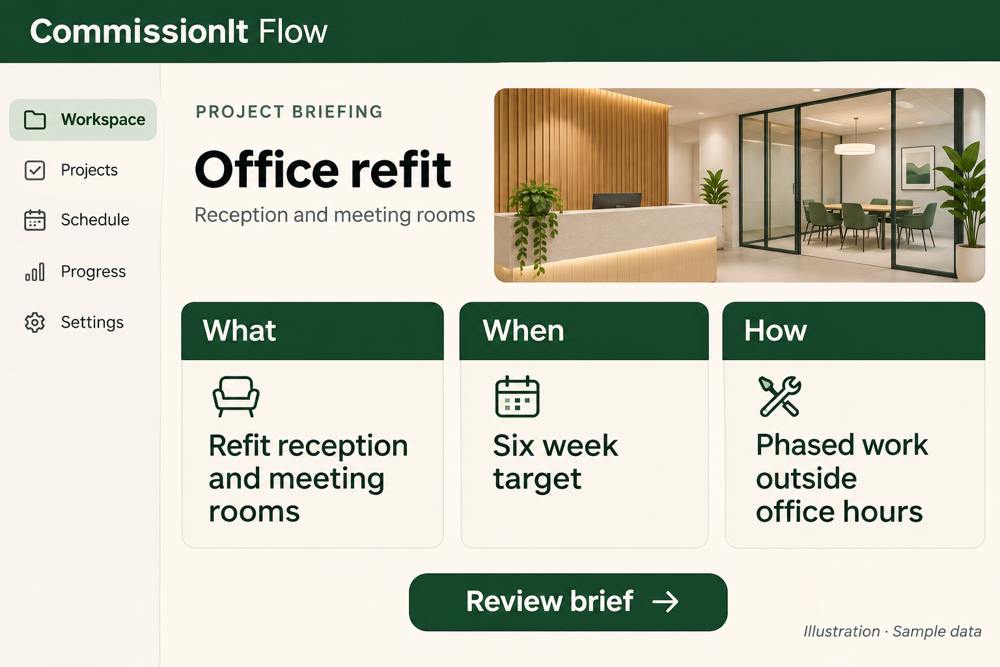
Turn an idea into a clear brief
Describe what you need, when you need it and how the work should be delivered. Flow helps you turn those details into a brief your team can review before approaching suppliers.
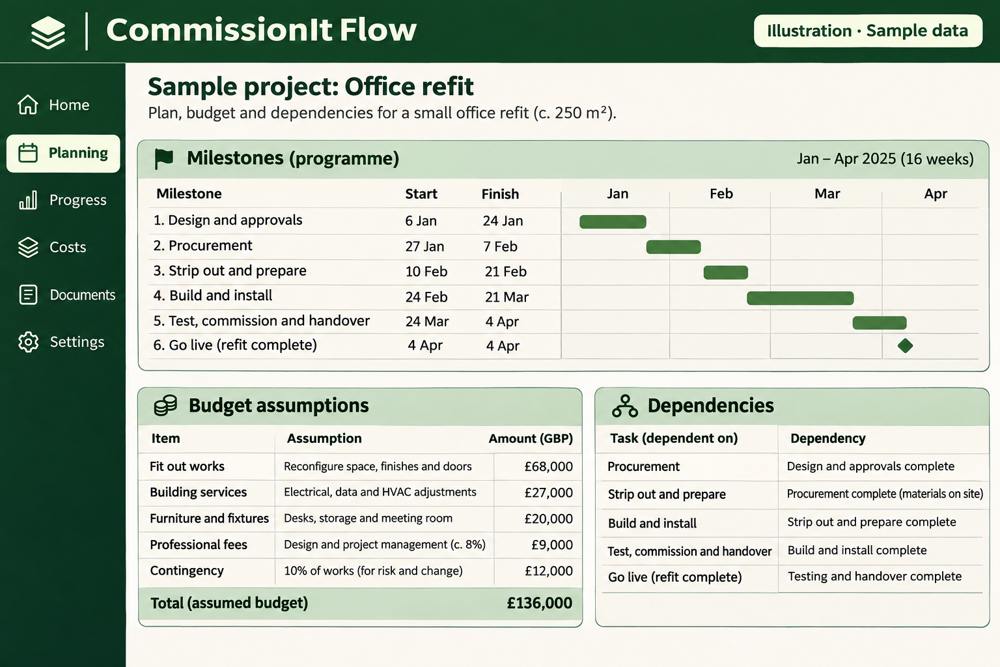
Plan the work before you buy
Set out milestones, dependencies and indicative budget assumptions. See which decisions need to happen first and what could affect the target date.
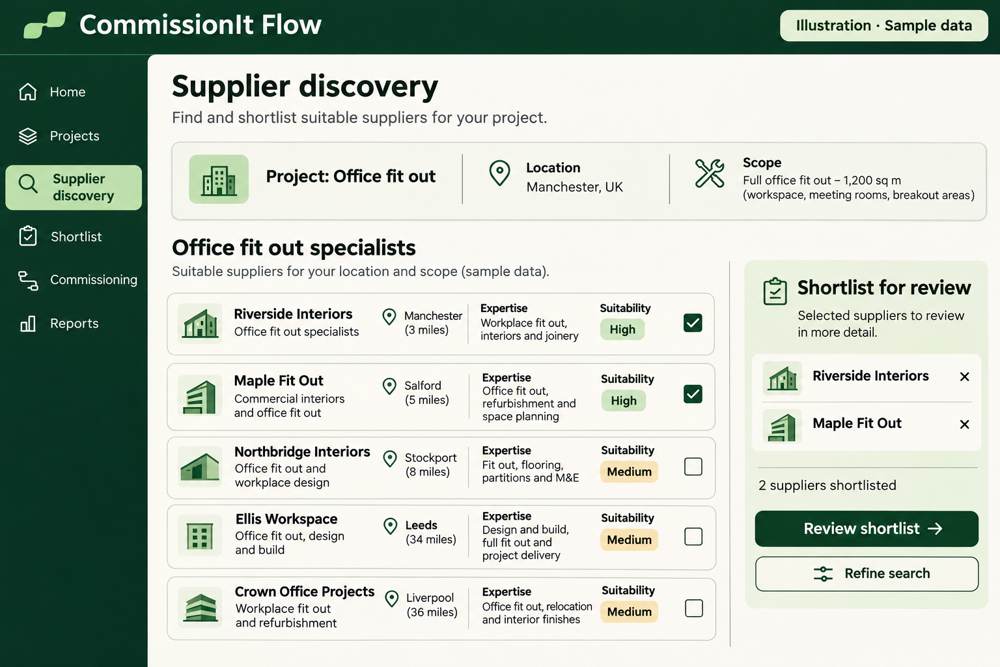
Find specialists for the project
Use the project’s scope and location to look for relevant suppliers. Review their fit against the brief and build a shortlist before asking for quotes.
Carry the brief into AutoeBid
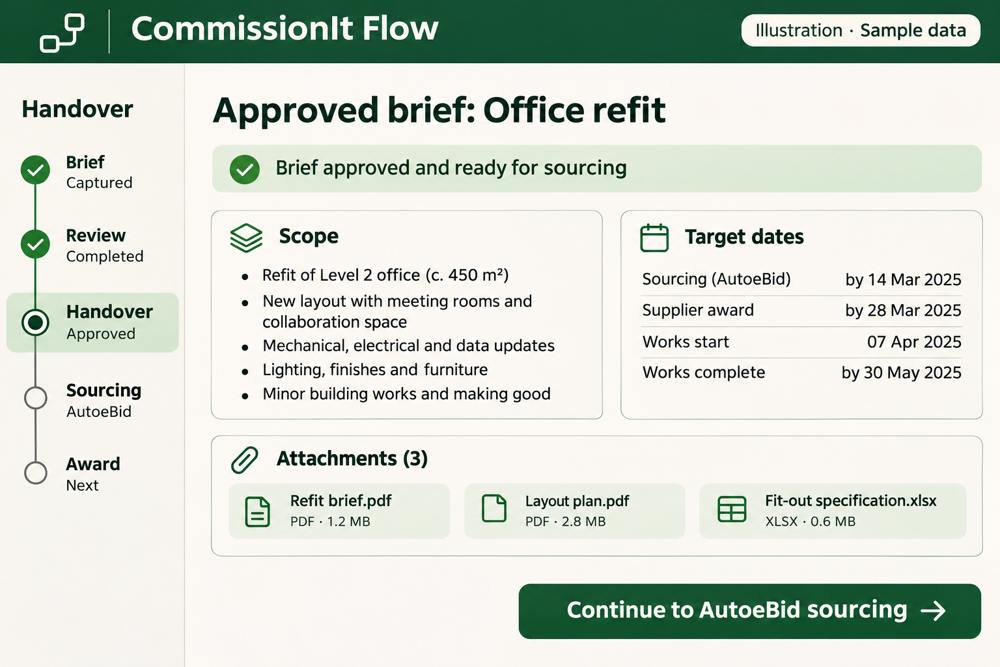
When the project is ready for competitive sourcing, use the agreed brief to prepare an AutoeBid event. The illustration shows how scope, target dates and supporting files fit into that handover.